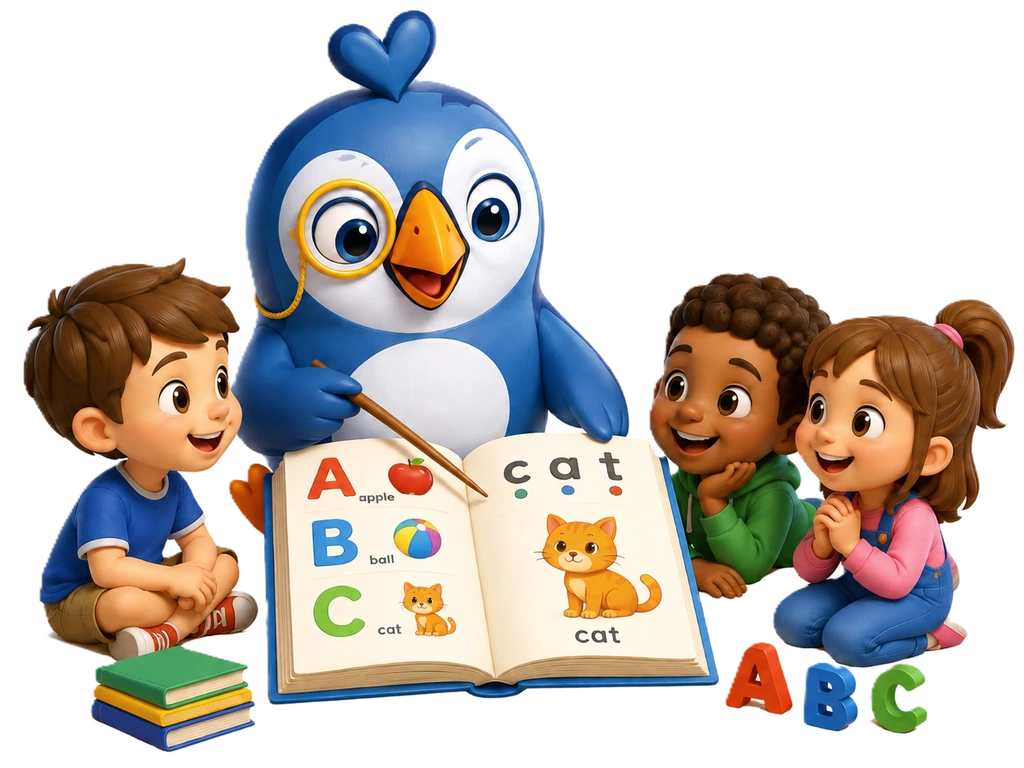
Give Every Student a Voice in Literacy
Watch PABASA in Action
See how the system works and how it helps students improve their reading skills.
Deployment Location
Salawag Elementary School, Dasmariñas, Cavite
Current deployment location mapped below for quick reference.
"At first, I felt shy about reading out loud because I made mistakes. Now, PABASA helps me practice, and I'm not afraid to read in front of my classmates anymore."
Do you have any questions?
Find answers to commonly asked questions below.
To create an account on PABASA, visit the signup page and select whether you're a teacher or student. Fill in your required information, including your email address and password. If you're a student, you may need a class code from your teacher to join a class. Once completed, you'll have immediate access to PABASA.
Yes, you can reset your password. On the login page, click the "Forgot Password?" link. Enter your registered email address, and we'll send you instructions to reset your password. Follow the link in the email and create a new password. If you don't receive the email, check your spam folder or contact our support team.
To start a reading session, log in to your PABASA account. If you're a teacher, navigate to the Courses section and select a course, then click "Start Reading Session." If you're a student, go to your dashboard and find the reading session assigned by your teacher. Click on it to begin reading the passage and follow the prompts.
Yes, PABASA is designed to work on phones, tablets, and desktop computers. Simply access PABASA through your device's web browser. For the best experience with oral reading assessments, we recommend using a device with a good microphone. The interface adapts to different screen sizes for easy navigation.
PABASA automatically tracks your reading progress with each session you complete. The system records metrics like reading speed, accuracy, and fluency. Your progress dashboard shows improvement over time with detailed charts and summaries. Teachers can view your progress reports to identify areas where you're excelling and areas that need more practice.
If you encounter a problem, first try refreshing the page or clearing your browser's cache. Make sure you're using a supported browser and that your internet connection is stable. If the issue persists, take note of what happened and contact our support team with detailed information about the problem.
You can reach our support team through the Help section in your PABASA account. There, you'll find contact information for different types of support, including technical assistance and account-related questions. You can also visit our About page to find contact information for specific team members who can assist with your inquiry.